
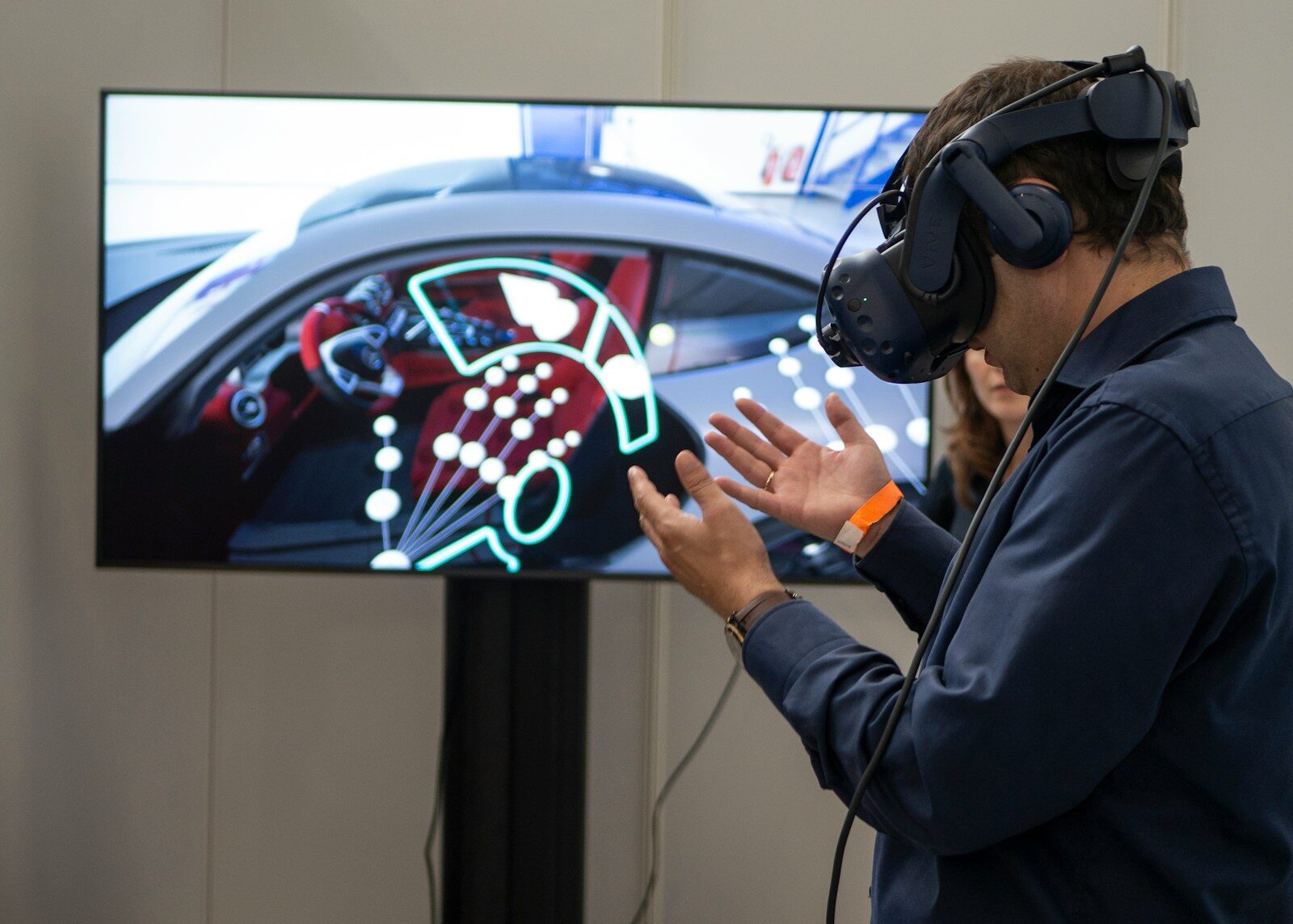
Understanding how to overcome motion sickness when playing VR games is essential, especially for those who are new to virtual reality headsets. This condition usually occurs when the brain receives mismatched signals between what the eyes see and what the body feels.
When using a VR headset, users can see themselves moving in a virtual world, while their physical body remains still. This disconnect can trigger symptoms like nausea, dizziness, and loss of balance, particularly during early usage.
Start with Short, Gradual Sessions
One of the most effective approaches is to avoid long sessions right away. Begin with short playtimes, around 10–15 minutes, then take a break before continuing.
Taking a gradual approach allows the body to adapt naturally without triggering strong discomfort. Over time, you can slowly increase the duration as your tolerance improves.
Stop When You Feel the First Signs
Many users tend to ignore early symptoms such as slight dizziness or discomfort. However, stopping at this stage is far more effective than pushing through.
If ignored, the body may become more sensitive in future sessions. Taking breaks early helps speed up adaptation and keeps the experience more manageable.
Use More Stable Movement Settings
In-game settings play a major role in comfort. For beginners, it’s recommended to use movement options like teleportation instead of smooth locomotion.
Additional features such as snap turning or visual boundary effects can also help reduce visual strain and make movement feel more controlled.
Choose Low-Intensity Experiences First
Not all VR content is beginner-friendly. Fast-paced experiences like intense simulations or competitive games are more likely to trigger motion sickness.
Instead, start with slower-paced content or games with minimal movement. This helps your body adjust before moving on to more complex experiences.
Make Sure the Headset Fits Properly
Technical setup is often overlooked, but it has a big impact on comfort. Proper headset positioning and correct IPD (interpupillary distance) adjustment are crucial.
A clear and focused visual will significantly reduce strain. The headset should also sit securely without being too tight or too loose.
Maintain Stable Visual Performance
Device performance also plays an important role. Low frame rates, lag, or tracking delays can worsen discomfort.
A smooth and responsive VR experience helps minimize the disconnect between visual input and physical sensation, reducing the chances of motion sickness.
Create a Comfortable Playing Environment
Your surroundings matter more than you might think. Using a fan or ensuring good airflow can help keep your body comfortable during gameplay.
Playing in a cool room can also reduce the likelihood of symptoms like sweating or dizziness.
Add Light Physical Movement
Even though VR is often played in place, adding slight body movement can make the experience feel more natural.
Simple actions like standing, shifting your weight, or lightly stepping in place can help your body better sync with what you see in VR.
Keep Your Body in Good Condition
Physical condition is another important factor. Playing while tired, hungry, or dehydrated can increase the likelihood of motion sickness.
Sometimes, improving comfort starts with simple habits like staying hydrated and making sure your body is in good condition before playing.
Conclusion
Motion sickness in VR is a common experience, especially for beginners. However, it can be minimized through proper setup, smart content choices, and gradual adaptation.
With the right approach, VR can become a much more comfortable and enjoyable experience—without the discomfort of nausea or dizziness.